

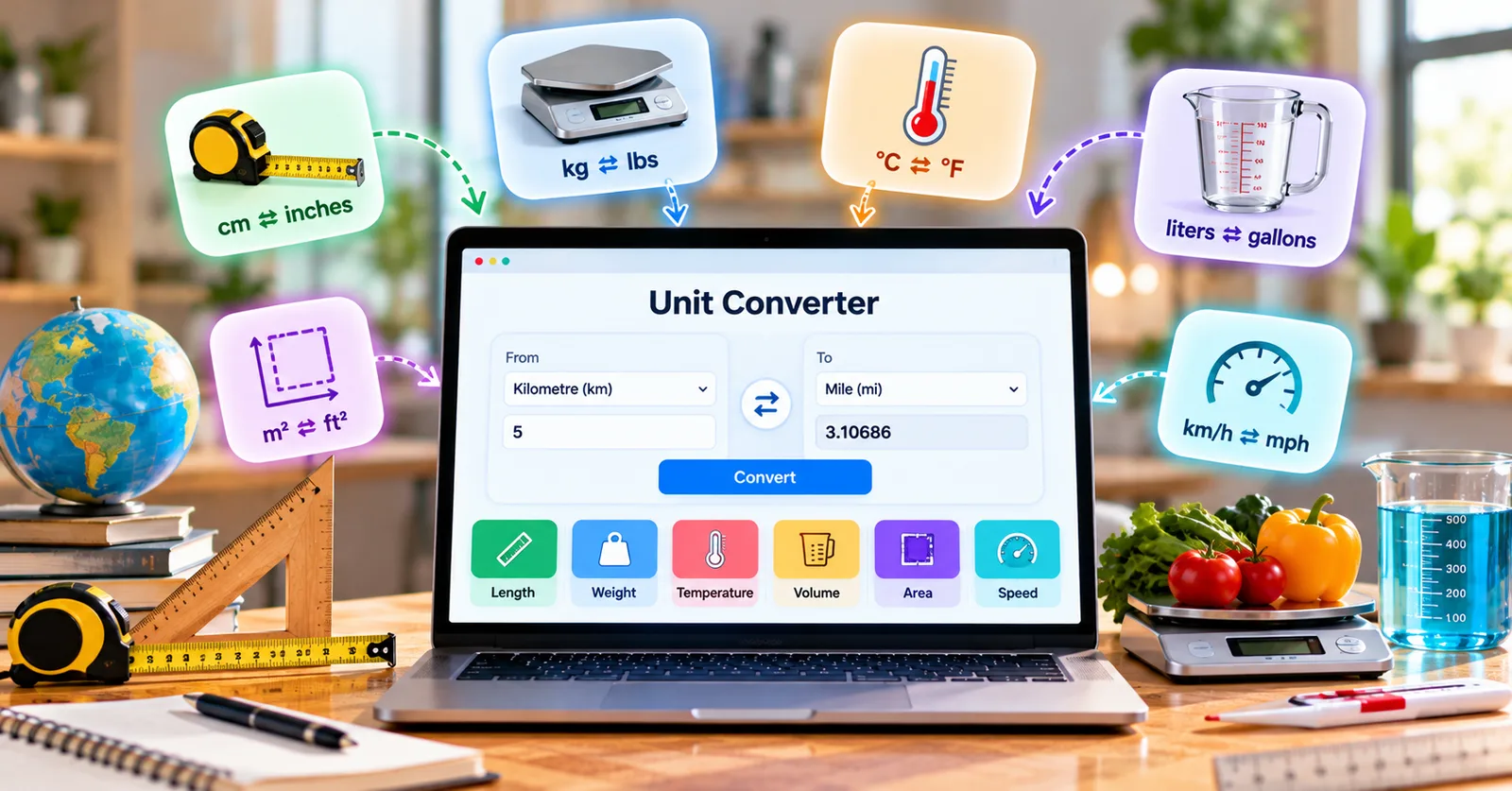
A furniture listing gives dimensions in centimeters while your tape measure shows inches. A shipping label uses kilograms while your carrier quotes pounds. A forecast reports Celsius when you are used to Fahrenheit. None of these tasks is difficult in isolation, but stopping to calculate every number creates friction and opportunities for mistakes.
Why the measurement matters
Measurements connect everyday decisions to real costs. In shopping, home projects, travel, and school, a number in the wrong unit can make two otherwise comparable options look completely different. People often assume the conversion is obvious, then discover that the units on a product page, worksheet, or form were not what they expected. The safer habit is to translate values before committing money, submitting a document, or sharing instructions with someone else.
A dependable workflow also makes communication clearer. If one person works in US customary units and another uses metric units, both should be able to see the original figure and its converted equivalent. That small practice reduces unnecessary follow-up questions and helps everyone verify the same facts. It is particularly helpful when a project includes multiple measurements rather than a single quick calculation.
A real-world example
Before ordering an imported desk, measure the doorway and the available floor space in the same unit as the product listing. Convert all three dimensions rather than only the width; depth and height can determine whether the item fits.
Notice that the useful result is not merely the converted number. It is the next decision the number supports: choosing a product, checking a limit, preparing a document, or explaining a measurement to someone who uses a different system. That is why it pays to convert values before the last minute rather than after a problem appears.
How to use a free online converter
Start by recording the original value exactly as it appears, including its unit. Select the matching category, choose the starting unit, and then choose the destination unit. Read the output and confirm that its size makes sense. A value that unexpectedly grows or shrinks by hundreds of times is a signal to revisit the input or the chosen unit.
When you need to check a measurement immediately, open Measurely’s unit converter online. The free browser-based converter lets you select the appropriate category and see the result as you type, without creating an account. You can then return to your order, worksheet, or project with a clearly labeled value.
For repeat tasks, write both units in your notes: for example, “original measurement” followed by “converted measurement.” Keeping the source number avoids confusion if a colleague needs to audit the result or if a supplier changes its preferred units. It also makes it easier to identify whether rounding happened during the conversion or later in the process.
Mistakes worth avoiding
A conversion is useful only when the input is correct. Check whether the source refers to inches or feet, pounds or ounces, and US gallons or imperial gallons. When dimensions determine fit, allow room for packaging, handles, and installation clearances.
Another common error is rounding too early. Round for the final display according to the task, but keep the more precise value during intermediate calculations. If you are converting multiple dimensions or working with quantities that will be multiplied, premature rounding can create a larger discrepancy than expected. Also distinguish measurements from estimates: a converted estimate is still an estimate.
A short checklist before you act
First, check the source and target units. Second, confirm whether the value describes length, area, volume, mass, temperature, or speed. Third, preserve enough decimal places for the decision. Fourth, compare the result with a familiar benchmark to catch obvious errors. Finally, keep the original measurement alongside the result whenever another person may need to verify your work.
These steps are simple enough for a student but useful for busy professionals as well. The point of an online unit converter is not to replace judgment. It removes repetitive arithmetic so you can focus on whether the measurements are relevant, reliable, and appropriate for the task.
The takeaway
Converting units should be a small step in a bigger task, not a distraction that slows the entire process. With the right source unit, sensible rounding, and a quick reasonableness check, you can compare information more confidently and move on to the work that matters.