

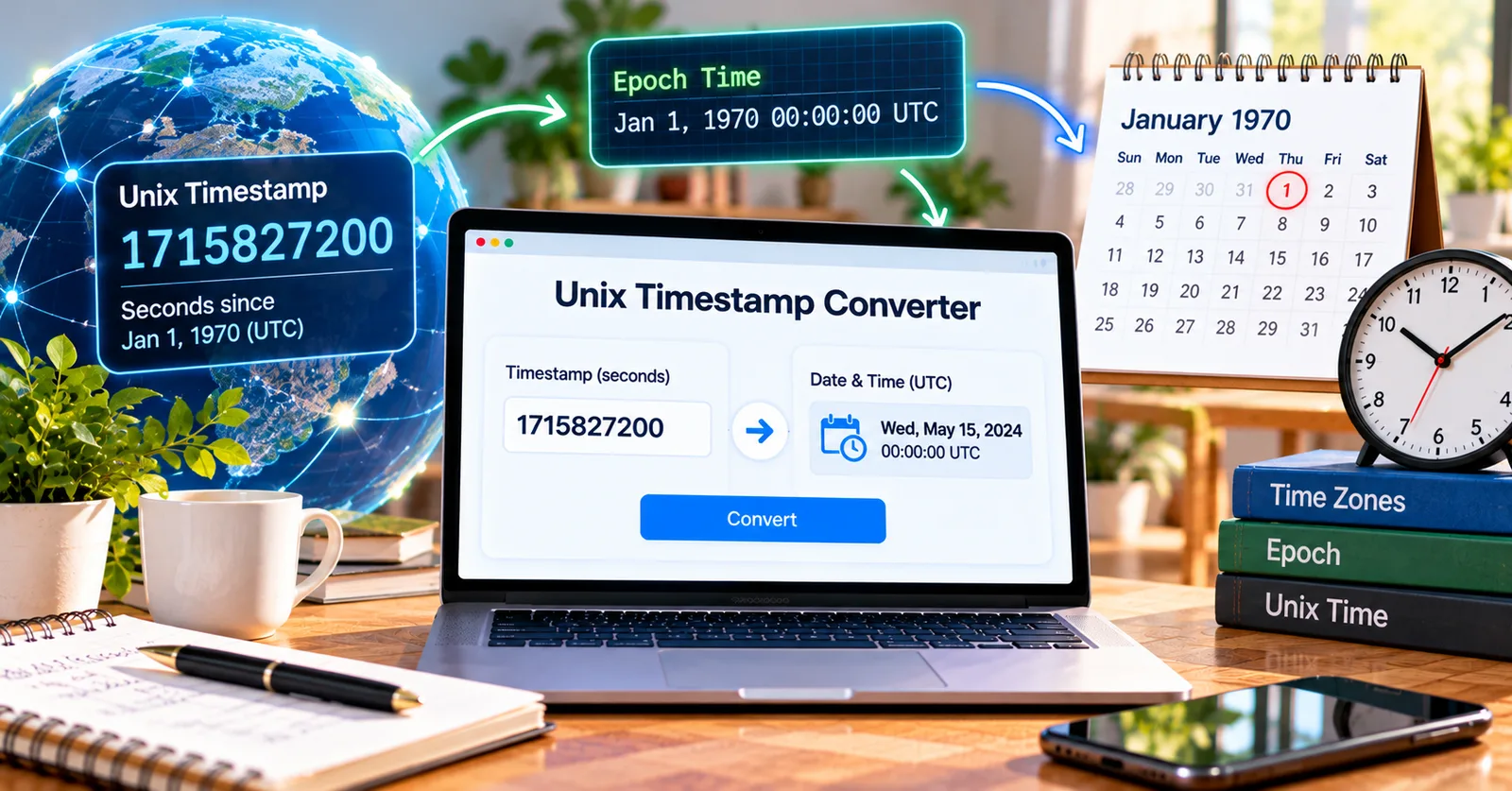
Why computers use a number instead of a date
Imagine two online stores recording an order at the same instant. One customer is in New York and the other in Los Angeles. Their clocks display different hours, but the event is one moment. A Unix timestamp gives both systems a common reference.
The concept behind the number
Unix time measures elapsed seconds since January 1, 1970, at 00:00:00 UTC. A timestamp such as 1704067200 represents January 1, 2024, at midnight UTC. It is not a formatted date or a timezone label. It is a compact representation of an instant.
Why it matters in everyday work
This distinction matters when teams sort orders, compare event times, or reconcile records generated in different locations. Store the instant consistently, then format it for the person reading it.
A practical way to check your result
A practical workflow is to copy the numeric value from a record, identify whether it uses seconds or milliseconds, convert it into a readable date, and compare that result with the event you expected. If the result is decades away, check the units first.
Try it while the number is in front of you: open the free Epochly Unix timestamp converter. Paste the timestamp or choose a local date and time, review the result, and verify the unit before using it in your workflow. Epochly runs conversions in your browser and automatically detects common seconds and milliseconds inputs.
Where this becomes useful
The real value of a converter is not the arithmetic alone. It is the ability to check an assumption before that assumption spreads into a spreadsheet, report, support reply, or software release. People often copy a value from one system to another without noticing that the two systems use different conventions. A quick verification step makes the workflow more dependable.
A repeatable quality-check routine
Keep the source value alongside the converted result, note the expected timezone, and compare with a known event. If you are publishing a report, explain whether the displayed time is UTC or local. If you are writing code, use explicit variable names that include the unit, such as createdAtSeconds or createdAtMilliseconds. That small habit can prevent repeated confusion.
Common mistakes to avoid
Do not infer a timezone from a raw Unix number. Do not treat a 13-digit value as seconds simply because it is numeric. Do not assume daylight saving time uses a fixed offset all year. Finally, do not paste private production secrets into random websites; prefer tools with clearly explained processing behavior and follow your organization’s data-handling rules.
How to make the result actionable
After checking the conversion, use the date in the task that prompted the question. For a support case, update the event timeline. For a software issue, add a regression test. For a report, label the timezone. For an integration, verify the receiving field’s unit. The best outcome is not just a readable date; it is a decision supported by a correctly interpreted moment.
A realistic example
Suppose a colleague sends a timestamp from a report and asks whether an action happened before a deadline. Instead of guessing from the digits, first convert the value and record the timezone used for the display. Next, convert the deadline into the same reference. Only then compare the two instants. This process is particularly important for teams working across US timezones or with overseas customers, because the calendar day can differ even when the underlying event is identical.
Final takeaway
Timestamp conversion is a small task with outsized consequences when it is skipped. Use a clear source value, a documented unit, and an explicit timezone to make the output meaningful. A quick browser-based conversion can save time and reduce avoidable misunderstandings, but the final interpretation should always be checked against the system that produced the data.