

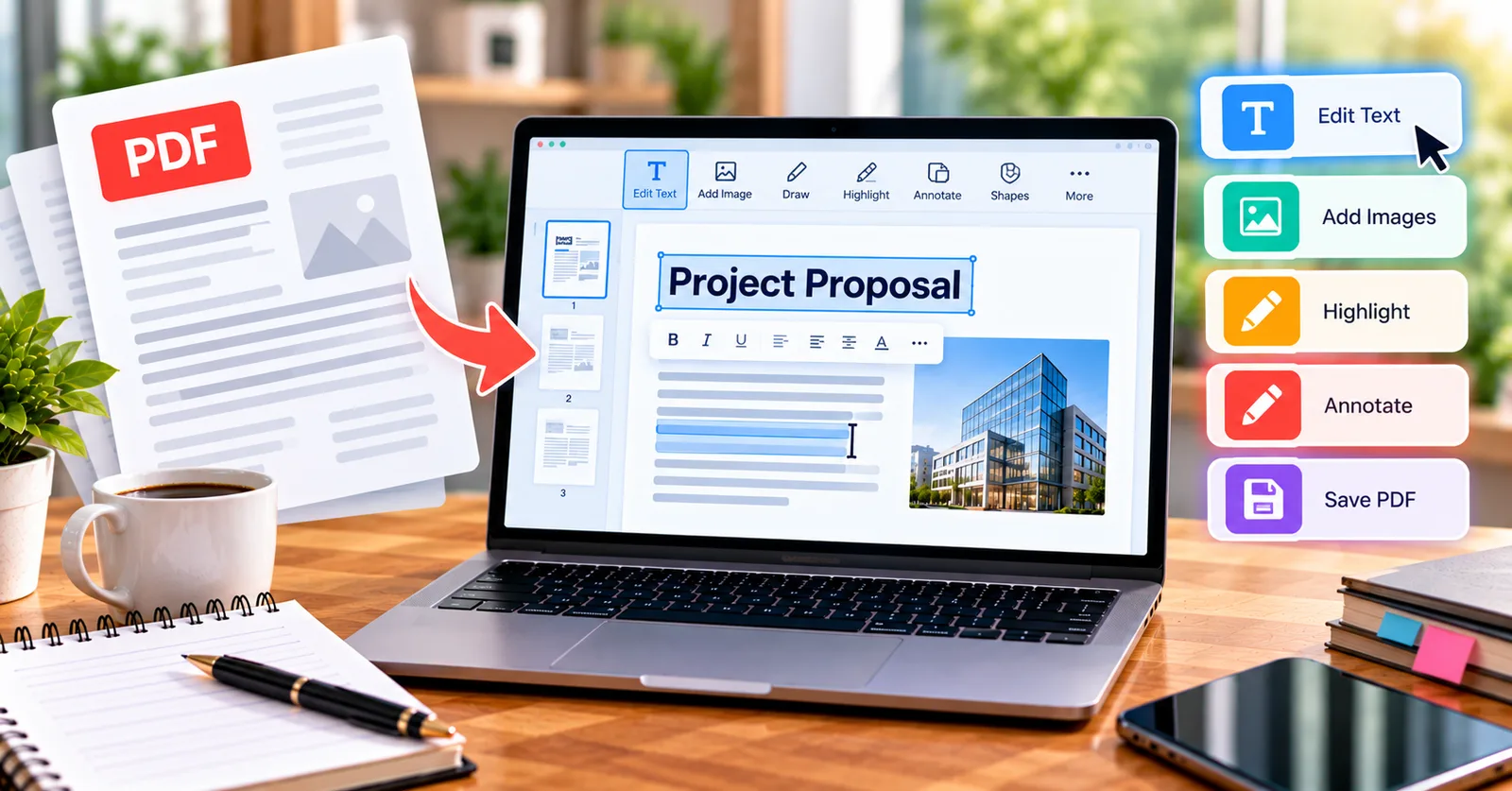
A client approves a proposal except for one sentence. Rebuilding the entire document in a word processor feels excessive, and converting the PDF to Word may shift tables or headers. For a small correction, learning how to edit PDF text online can save time and reduce reformatting.
Understand what kind of text you have
Selectable text usually comes from a digital document and may be editable with a suitable tool. A scanned page is fundamentally an image: the visible letters are pixels until OCR recognizes them. Some PDFs also use embedded or subset fonts that make direct replacement unpredictable. Before editing, click or select a word to see what the file actually contains.
Make a correction carefully
Save the original file, locate the sentence, and edit only the relevant words. Check line breaks, alignment, and whether nearby content moves. If the editor cannot preserve the original font, consider adding a clearly formatted correction note rather than forcing a mismatch. Export the file, reopen it, and search for the corrected phrase to confirm the change.
Open the editor at the moment you need it
If you have a short correction waiting, use the ETC PDF Editor to inspect the page and test its text-editing tools. The goal is a clean, readable document, not simply a successful click on an Edit button.
Why conversion is not always the answer
PDF-to-Word conversion can be useful for major revisions, but it can introduce unwanted line wraps, misplaced images, or broken columns. A direct PDF editor is especially convenient for short edits to forms, reports, invoices, and informational handouts. If the document is heavily designed, ask for the original source file when possible. Open the free ETC PDF Editor
Review like a recipient
Read the edited paragraph aloud, inspect numbers and dates, and zoom out to compare page balance. A misplaced digit in a purchase order can matter far more than a minor font difference. If the document is contractual, ensure that the edit is authorized and that the final version is clearly labeled.
Additional considerations
Before relying on a finished PDF, check the recipient requirements and inspect the saved document. Keep the source copy and avoid using visual overlays when information must be removed securely.
Practical tips before you share the file
A reliable document workflow has three stages: prepare, edit, and verify. Prepare by preserving the original and checking whether the PDF contains editable text, scans, or interactive fields. Edit only what is necessary, using the feature intended for that task. Verify by opening the exported document, reviewing each affected page, and checking important details such as names, numbers, page order, and signatures. This simple routine helps prevent small document changes from becoming costly misunderstandings.
For US businesses and individuals, recipient requirements matter as much as convenience. An employer, school, lender, court, or government agency may specify a file format, signing method, size limit, or submission procedure. Follow those instructions even when a different method seems faster. When information is confidential, follow your organization’s approved handling and retention policies.
A quick quality-control routine
Take two minutes to inspect the final PDF at normal viewing size and again at higher zoom. Check the first and last pages, then review any page where you changed text, added an object, or moved content. Confirm that file names are meaningful, links open correctly when applicable, and the recipient can read the document without special instructions. If you are handling records that may be audited later, retain a dated original and a clearly named final version. These habits make digital document work more dependable.
Final takeaway
The best PDF workflow is the one that solves the immediate problem while preserving accuracy. Choose the appropriate editing operation, review the finished file, and keep a copy of the original. A useful tool should make the task easier without replacing careful judgment.