

A vendor sends a price sheet as a PDF, but your team needs to add a note before sharing it. Or a school form arrives with one missing detail. The document looks finished, yet your task is not. That is why people search for a free PDF editor: they want to make a small, useful change without buying a full document suite.
When a PDF editor is the right tool
PDFs preserve layout across computers, which is helpful for sharing but inconvenient when details change. An editor is useful for adding a date, inserting a logo, annotating a proposal, correcting selectable text, or arranging pages. It is not always the right choice for a document that needs a complete redesign. If you control the original Word or design file, editing that source and exporting a new PDF often produces cleaner results.
A practical workflow for editing a PDF
Start by saving an untouched copy. Open the file and identify whether the words are selectable or part of a scanned image. Make the smallest change necessary, review the surrounding layout, and export a new file with a descriptive name. Check that the saved PDF opens properly on a second device. For forms, confirm that fields, signatures, and page order survived export.
Try editing a real document
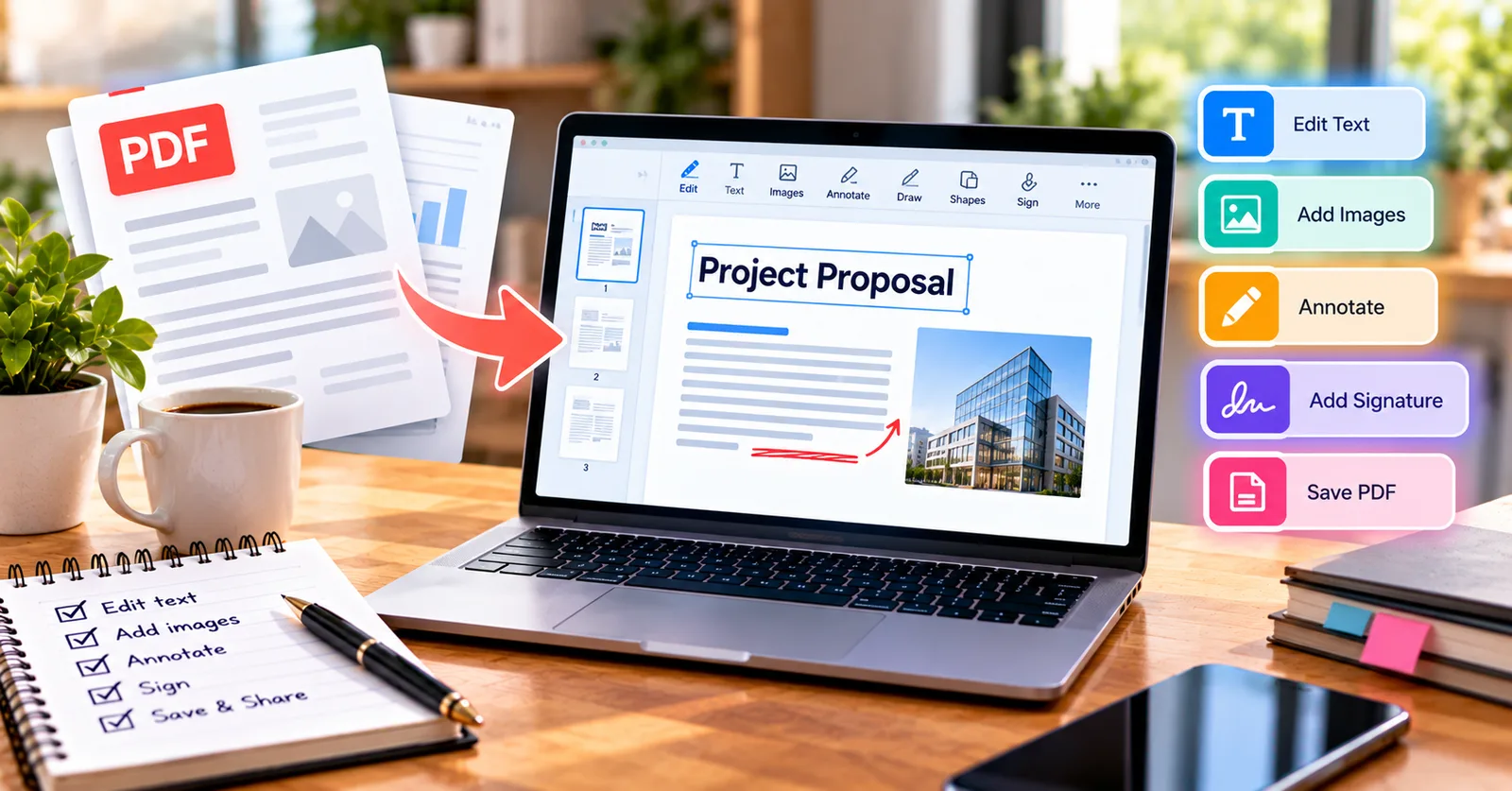
For an immediate task, open the ETC PDF Editor and try adding a note or correcting a small piece of text. Its browser-based workspace combines editing, annotation, signing, and page tools, so you can handle a straightforward update without moving between several applications.
Common mistakes that waste time
Avoid covering an old sentence with a white box and assuming the original text is gone. Whiteout can conceal content visually without removing it from the file. Also avoid repeatedly exporting and reimporting the same document: this can flatten editable content or alter fonts. Keep an original copy and use proper redaction for confidential information. Open the free ETC PDF Editor
A small-business example
Imagine a contractor preparing an estimate for a customer in Ohio. The PDF needs a revised contact number and an approval signature. A browser-based editor can be a practical option, but the contractor should inspect the final estimate and ensure that no outdated price or note remains hidden in another layer.
Additional considerations
Before relying on a finished PDF, check the recipient requirements and inspect the saved document. Keep the source copy and avoid using visual overlays when information must be removed securely.
Practical tips before you share the file
A reliable document workflow has three stages: prepare, edit, and verify. Prepare by preserving the original and checking whether the PDF contains editable text, scans, or interactive fields. Edit only what is necessary, using the feature intended for that task. Verify by opening the exported document, reviewing each affected page, and checking important details such as names, numbers, page order, and signatures. This simple routine helps prevent small document changes from becoming costly misunderstandings.
For US businesses and individuals, recipient requirements matter as much as convenience. An employer, school, lender, court, or government agency may specify a file format, signing method, size limit, or submission procedure. Follow those instructions even when a different method seems faster. When information is confidential, follow your organization’s approved handling and retention policies.
A quick quality-control routine
Take two minutes to inspect the final PDF at normal viewing size and again at higher zoom. Check the first and last pages, then review any page where you changed text, added an object, or moved content. Confirm that file names are meaningful, links open correctly when applicable, and the recipient can read the document without special instructions. If you are handling records that may be audited later, retain a dated original and a clearly named final version. These habits make digital document work more dependable.
Final takeaway
The best PDF workflow is the one that solves the immediate problem while preserving accuracy. Choose the appropriate editing operation, review the finished file, and keep a copy of the original. A useful tool should make the task easier without replacing careful judgment.