
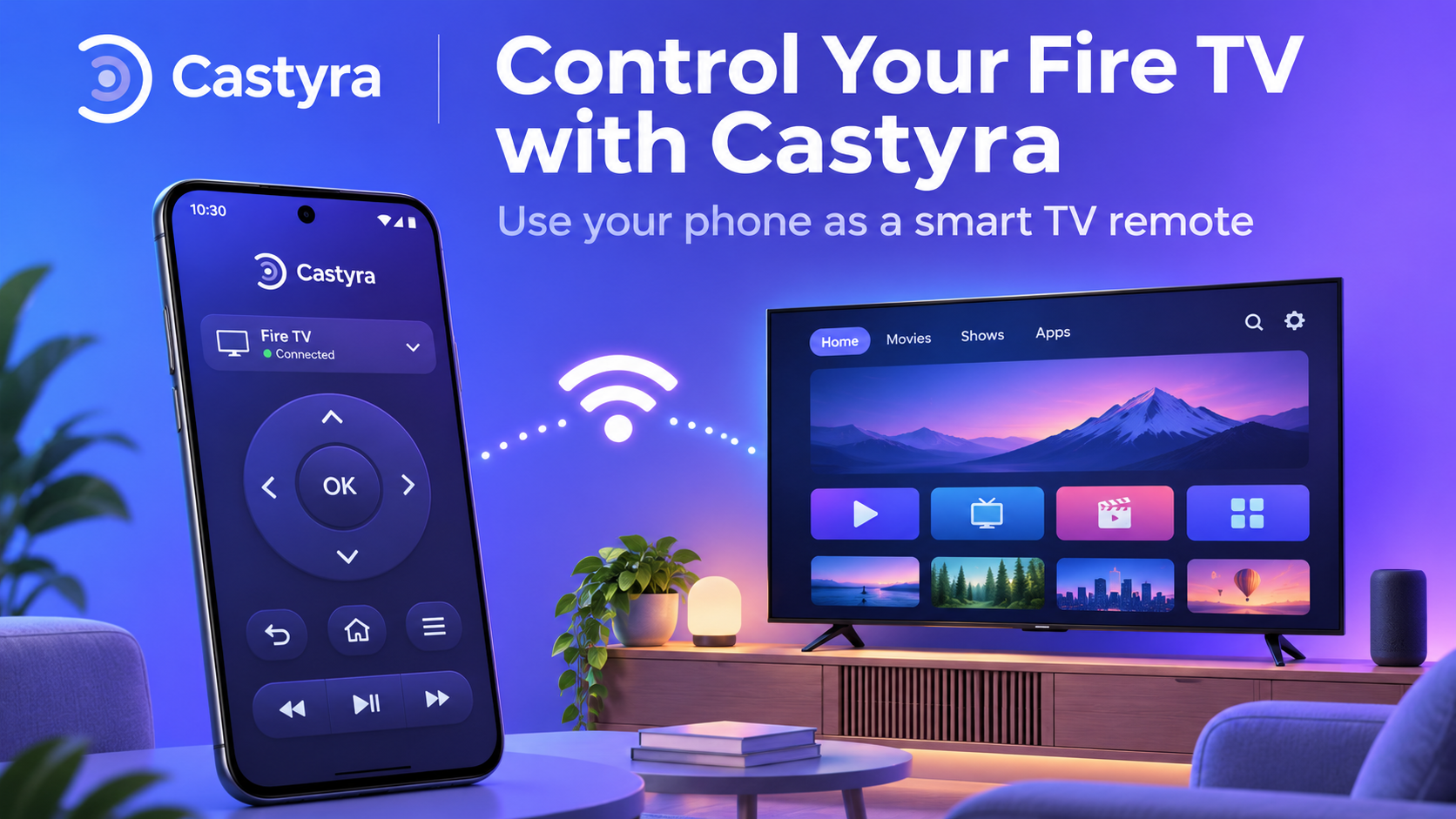
Picture this: movie night is ready, but the Fire TV remote has disappeared between the cushions. Before buying another remote, your Android phone may provide a practical alternative. A fire tv remote app lets you navigate a compatible device from your phone over Wi-Fi. Castyra adds a touchpad and other conveniences, provided your TV and network support them.
What Is a Fire TV Remote App?
A remote app turns your phone into an on-screen controller. This is particularly helpful when the physical remote has drained batteries, sticky buttons, or has slipped out of sight. Instead of searching for a physical remote, you can open an app to move through menus, select shows, and manage playback.
Amazon offers its own Fire TV mobile app, as explained in its official remote setup guide. Castyra is a separate option designed for compatible Fire TV, Android TV, and Roku devices.
How to Control Fire TV With Castyra
You can control fire tv with phone once a compatible Fire TV and Android handset can communicate on the same local network.
Step 1: Install Castyra and Check Wi-Fi
Download Castyra – Cast to TV & Remote from Google Play. Connect your Android phone and Fire TV to the same Wi-Fi network. If your Fire TV has never joined that network, a phone app may not find it. You may need an existing remote or another supported setup method to establish the TV's connection first.
Step 2: Find and Pair Your Fire TV
Open Castyra and search for supported TVs. Give the app the relevant local-network permissions requested by Android, if any, so it can look for devices. Select your Fire TV when it appears, then follow the pairing instructions. If a PIN appears on your TV, enter it in the app.
Automatic discovery not working? Castyra also offers manual connection using a TV's IP address.
Step 3: Start Controlling Playback
Use the directional controls and Select button to browse apps, return Home, or move back through menus. Play, pause, and skip controls make it easier to handle interruptions without hunting for a remote.
Features That Make Castyra Convenient
Castyra's gesture touchpad offers another way to move around a TV interface: swipe to navigate and tap to select.
Depending on device support, the app also offers power, volume, mute, channel, and media controls. Personal preferences include haptic feedback, button sounds, a keep-screen-awake option, and multiple languages.
Features vary by model. For instance, volume or power commands may depend on how your Fire TV and television handle those functions. Speckpro's Castyra feature guide provides further context.
Remote Control vs. Screen Mirroring: Know the Difference
Remote control sends commands to your TV. For example, pressing Pause changes what the television plays; it does not send your phone display to the TV. Screen mirroring displays your phone's screen on a larger display; media casting sends personal photos, videos, or music for playback. They solve different problems. For Castyra's supported mirroring and personal media casting, install the Castyra Receiver companion app on a compatible Fire TV or Android TV. Pair using the displayed QR code, six-digit code, or receiver IP address. You do not need the Receiver merely to use supported remote-control features. Streaming apps may restrict mirroring.
Fire TV Remote Not Working? Check These First
When your fire tv remote not working problem interrupts movie night, check the basics.
- Confirm both devices are on the same Wi-Fi network, not separate guest networks.
- Check that Fire TV is powered on and connected; then retry discovery.
- Re-enter the displayed pairing PIN if prompted, and verify the selected device.
- Try Castyra's connection diagnostics or manual IP connection if discovery fails.
- Restart the phone, Fire TV, or router when network problems persist.
Amazon's casting troubleshooting guidance also recommends checking Wi-Fi and restarting devices. Remember that supported commands vary by model, software version, and network setup.
Final Thoughts
A missing or unreliable remote does not always mean another purchase. If your Fire TV is compatible and connected, Castyra gives your Android phone practical navigation options. Explore more apps at AI App Space, or browse its technology guides for everyday digital solutions.