
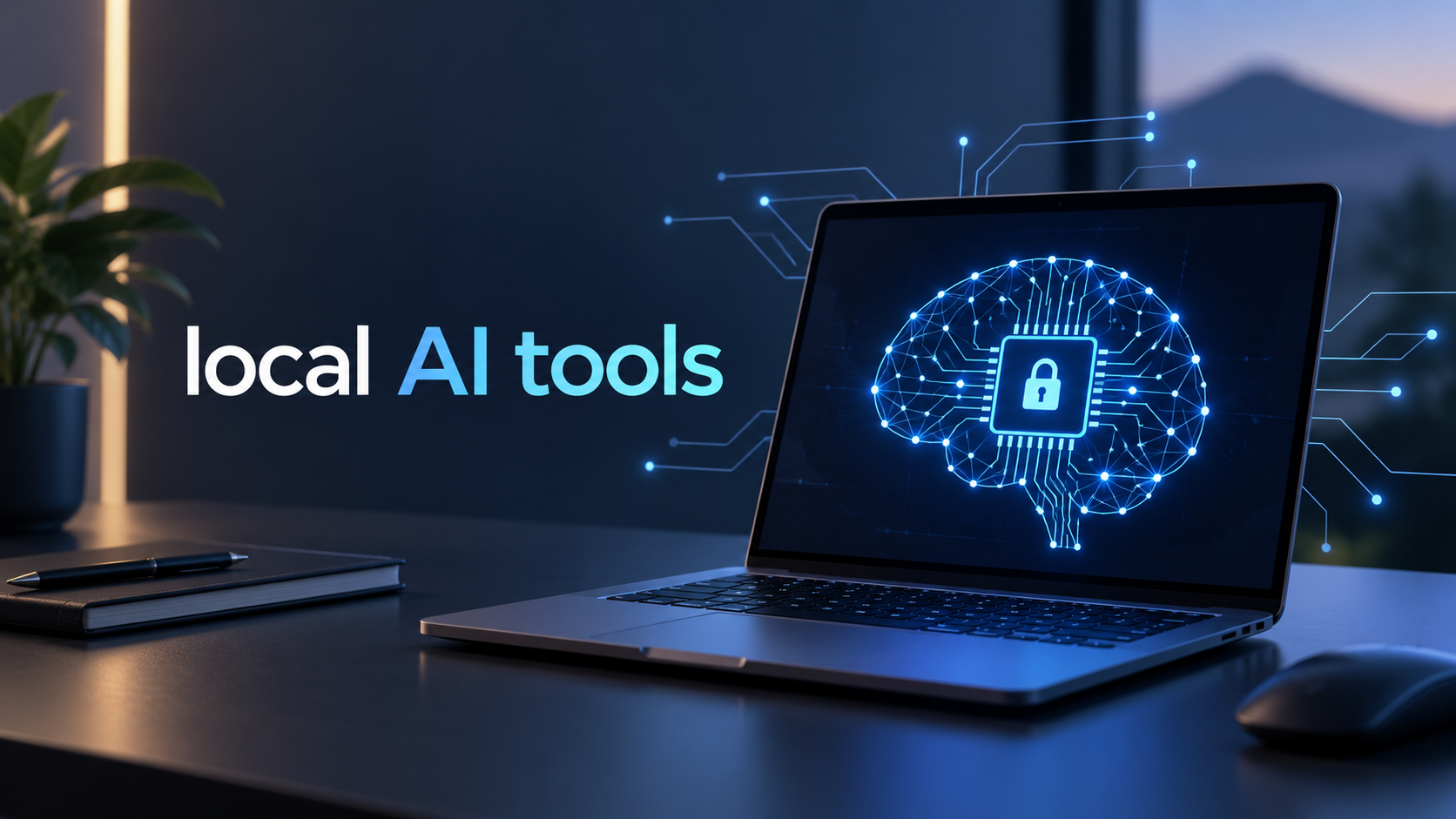
Local AI tools run AI models directly on your computer instead of sending every prompt to the cloud. In 2026, strong choices include LM Studio for beginners, Ollama for developers, Jan for open-source desktop use, GPT4All for private document work, and llama.cpp for advanced control. Your best option depends on hardware and whether you need chat, coding, documents, or a local API.
Why Local AI Tools Matter in 2026
Running AI locally can improve privacy, work without constant internet access, and avoid per request cloud fees for local models. The trade-off is hardware: models need storage, while inference uses RAM, CPU, and sometimes GPU. Local AI apps should not be judged only by model quality because several tools can run similar open-weight models. Better comparison points are setup difficulty hardware efficiency offline behavior, document support, and local API access.
Best Local AI Tools for Different Users
LM Studio — Best for Beginners
LM Studio provides a graphical interface for downloading, managing, and chatting with local models on macOS, Windows and Linux. It supports offline document chat and OpenAI-compatible local endpoints. LM Studio recommends 16 GB or more RAM for many systems.
Ollama — Best for Developers
Ollama uses a simple command-line workflow and exposes a local API. It supports macOS, Windows, and Linux and works well with coding tools and custom applications. Choose it when scripting or integrations matter most.
Jan — Best Open-Source Desktop Option
Jan combines local model chat with an open-source desktop experience. Local models run on your machine without an API key, while cloud providers remain optional. It suits users who want privacy with flexibility.
GPT4All — Best for Local Documents
GPT4All runs LLMs privately on consumer desktops and laptops. Its LocalDocs feature brings information from local files into chats, making it useful for reports, notes, and personal documents.
llama.cpp — Best for Advanced Control
llama.cpp is a lower-level inference engine for running GGUF models locally across varied hardware. It offers command line tools and a local server for technical users who want deeper control.
How to Choose the Right Local AI Setup
- Pick LM Studio for an easy graphical setup.
- Pick Ollama for APIs, coding, and automation.
- Pick Jan for an open-source desktop workflow.
- Pick GPT4All for private document questions.
- Pick llama.cpp for deeper technical control.
Bring Private AI Into Your Business
Want to use local AI to automate repetitive tasks, protect sensitive business data, and reduce reliance on cloud AI tools? We can help you choose and implement the right private AI setup for your workflow. Complete our short inquiry form to explore a custom solution that can save time improve productivity and keep more of your business data under your control.
Final Takeaway
LM Studio is the simplest starting point for beginners, while Ollama suits developers and llama.cpp suits advanced users. Jan is an open-source alternative, and GPT4All works well for document-focused workflows. Start with a model your computer can run comfortably.
Stay Updated on the Latest AI Tools
Follow AI App Space on Facebook Page for practical AI tools, automation ideas, and business-focused updates. For practical setup inspiration, follow AI App Space on Pinterest. For short tool updates, see AI App Space on TikTok.