

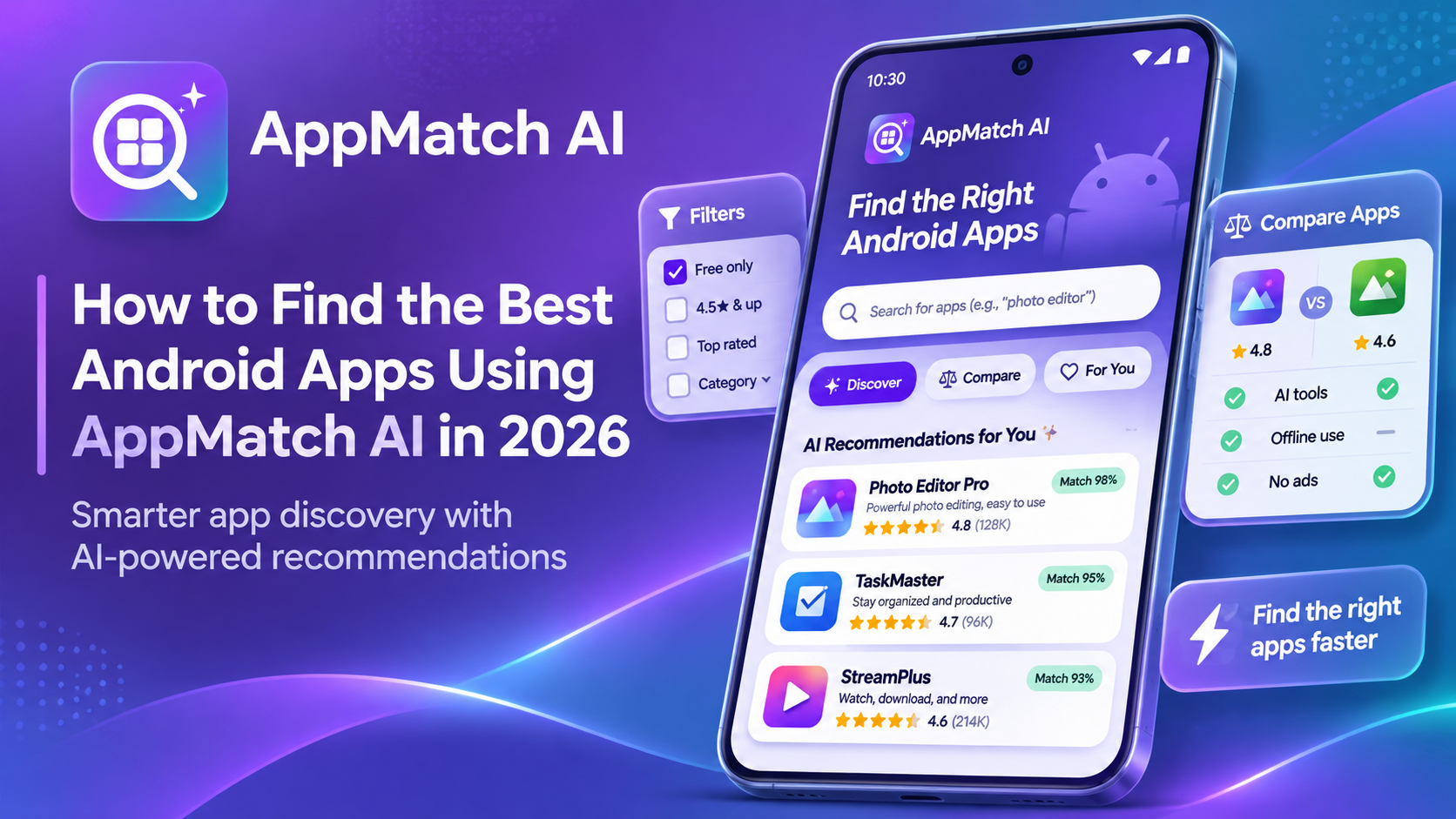
Finding the best android apps sounds simple until you open Google Play and face dozens of similar choices. One app has impressive ratings; another promises every feature imaginable. Which one actually works for you? Instead of guessing, start with your needs. AppMatch AI, developed by Speckpro Digital, helps you describe those needs, discover suitable options, and compare them before downloading. You can also download AppMatch AI from Google Play to explore personalized app recommendations and find options that match your preferences.
Why Finding the Best Android Apps Can Be Difficult
Search results rarely tell the whole story. A highly rated app might require a subscription, show frequent advertisements, or lack the offline features you need. Download counts indicate popularity, not whether an app fits your daily routine. Reviews also deserve context. Check recent feedback, recurring complaints, and whether the developer still updates the app. A five-star review from years ago may be less relevant than a thoughtful recent report about crashes or unexpected costs. Before searching, write down three things: your must-have feature, your budget, and one deal-breaker. This simple checklist prevents distractions from polished screenshots and long feature lists.
How AppMatch AI Helps You Find the Best Android Apps
AppMatch AI is an AI app finder that accepts everyday descriptions instead of requiring exact app names. Tell it what you want, including your preferred features, price, and category.
According to its official listing, the tool returns up to five personalized recommendations. Each includes an AI match score and an explanation of why the suggested app may fit your request. Its recommendations consider app ratings, reviews, download information, pricing, and update history. Those signals support your decision, but a match score is a relevance estimate—not proof that an app is safe, reliable, or perfect.
Explore its features on the AppMatch AI product page.
How to Find and Compare Android Apps with AppMatch AI
Step 1: Describe Your Requirements
Be specific. Rather than typing “study app,” try: “I need a free study planner with reminders, no account required, and minimal ads.” Clear requirements give the recommendation tool more useful information.
Step 2: Review Personalized Recommendations
Read the explanations beneath your suggested matches. Ask whether each app meets your essential requirements, not merely whether its match score looks impressive. Treat the suggested list as a shortlist, not a final verdict.
Step 3: Compare Features, Ratings, and Prices
Use AppMatch AI to compare android apps side by side. Review ratings, downloads, advertisements, core features, pricing, publication details, and recent updates. An inexpensive app with fewer features may be better than a popular subscription-based alternative.
Step 4: Apply Filters and Save Your Favorites
Narrow results to free, offline, lightweight, ad-free, recently updated, or no-account apps. You can also filter out in-app purchases. Save promising matches and reopen previous searches when you are ready to decide.
Everyday Examples of Smarter App Discovery
Imagine a student planning exams. They need reminders and a simple schedule without paying monthly. Instead of browsing endless productivity lists, they can search for a free planner with notifications and compare the relevant options. A traveler might request an offline trip planner that remains useful without mobile data. They should still confirm which maps or information must be downloaded before departure. A content creator could search for a photo editor without watermarks and compare export limitations. A small-business owner might prioritize low storage usage and reliable task reminders over flashy editing features.
These are hypothetical scenarios illustrating how to search, not verified customer stories or promised results.
What Makes an Android App Worth Downloading?
Use a five-point decision check: fit, total cost, usability, trust, and maintenance. Fit means your essential features work. Total cost includes subscriptions and in-app purchases. Usability includes storage needs, account requirements, and offline support.
For trust, inspect the official Play Store listing, permissions, developer information and Data safety section. Google explains that Data safety information is declared by developers. Keep Google Play Protect enabled, too; it checks for potentially harmful apps.
Finally, check compatibility and recent updates. The highest-rated or most-downloaded option is not automatically your best choice. Your requirements should decide.
Find Your Next Android App with AppMatch AI
You do not need to choose apps solely by popularity. Describe your needs, compare the shortlisted options, and verify each listing before installing.
Visit the AppMatch AI marketplace listing to learn more, or download AppMatch AI from Google Play to explore personalized recommendations. The app is independently operated and is not endorsed by Google or Google Play.