
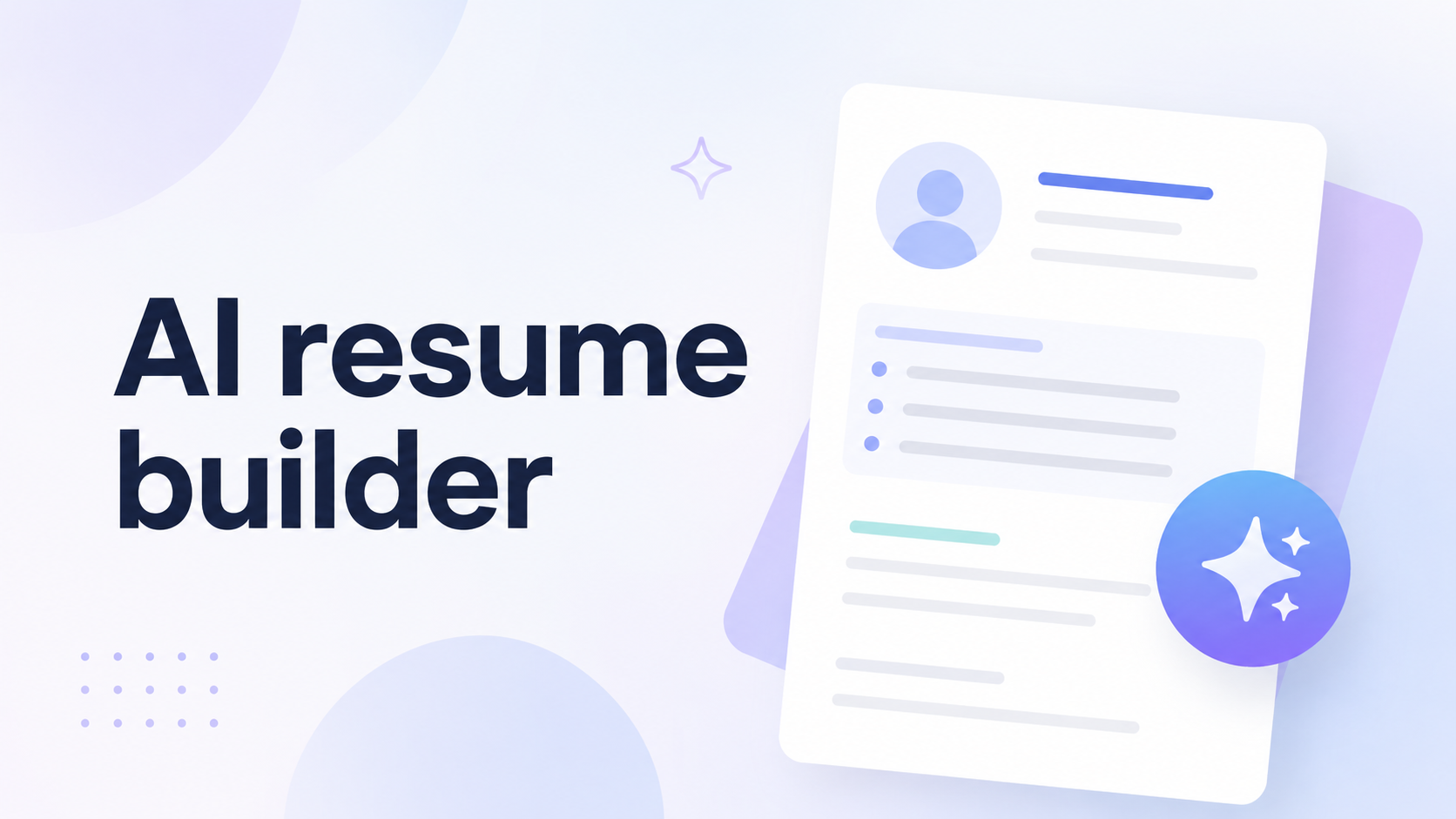
Writing a strong resume can be difficult when you are unsure which skills to highlight, how to describe achievements, or how closely your application matches a job description. An AI resume builder can speed up this process by improving wording, suggesting keywords, organizing sections, and creating professional first drafts.
Use these tools as assistants, not replacements for your judgment. Verify every statement. For more AI productivity and career content,follow AI App Space on Facebook.
What Is an AI Resume Builder?
An AI resume builder helps users create, edit, format and tailor resumes. You enter your work history, education, skills, achievements, target role and sometimes a job description. The software then recommends content and layout improvements.
Common features include:
- Professional summary generation
- Achievement-focused bullet points
- Job-description keyword matching
- Resume scoring and feedback
- Grammar and spelling corrections
- ATS-friendly templates
- Cover-letter assistance
1. Teal Best Overall
Teal combines resume creation with job-description matching and application tracking. Its builder analyzes a resume across multiple areas, provides an ATS score and suggests improvements for summaries, bullet points, keywords and structure. It is useful for people applying to several positions because they can maintain a base resume and create targeted versions for individual vacancies.
2. Rezi Best for ATS-Focused Resumes
Rezi focuses on keyword targeting, content analysis, resume scoring and ATS-friendly formatting. It can suggest bullet points and compare resume keywords with a job posting. Add suggested keywords only when they truthfully match your background.
3. Kickresume Best for Fast First Drafts
Kickresume can generate resume sections from a job title, rewrite existing content and tailor a resume to a particular position. It also provides customizable templates and job specific examples.
Edit the generated draft with specific projects, responsibilities, numbers and achievements so it does not sound generic.
4. Enhancv Best for Design and Feedback
Enhancv combines visual resume design with AI writing, checking and job tailoring tools. Its suggestions can help transform basic responsibilities into stronger statements focused on actions and results.
During a long job search, this guide to the best meditation apps for stress relief and focus may also help you build a calmer routine.
5. Resume.io Best for Beginners
Resume.io provides a guided building process with templates, AI writing support, keyword suggestions, ATS scoring, and job-tailoring features. Users can also access sample sentences for different occupations.
Its step-by-step workflow is suitable for first time resume writers. Review export formats and subscription conditions before downloading because features can differ between plans.
6. Novorésumé Best for Guided Improvement
Novoresume offers AI-assisted bullet writing, real time feedback, ATS checking, job matching, templates and career tools. Its AI can turn basic statements into stronger bullet points using action verbs and measurable outcomes.
Provide accurate details about responsibilities, projects, technologies and results.
7. Huntr Best for Tailoring and Tracking
Huntr combines an AI resume builder with resume tailoring, scoring, job tracking, cover letter generation and profile imports. It can generate content for summaries, experience, skills and projects. Remove any generated claim that is not supported by your real experience.
How to Choose the Right AI Resume Builder
Choose a tool based on whether you need stronger writing, keyword matching, ATS feedback, templates, or application tracking.
Compare tools using these factors:
- Check whether templates are clean and readable.
- Confirm that resumes can be tailored to job descriptions.
- Look for actionable feedback instead of only a score.
- Review PDF, Word, and text export options.
- Check free-plan limits and subscription terms.
- Confirm that all AI-generated text is editable.
- Review privacy and data-handling policies.
How to Get Better Results
Begin with a complete base resume containing accurate experience. Paste the target job description into the tailoring tool, review suggested skills, and add only keywords that genuinely apply to you.
Strengthen each bullet point by explaining:
- What action you took
- Which problem or task was involved
- Which tool or skill you used
- What measurable result you achieved
Applicants in technical, scientific, or international roles may need consistent measurements in project descriptions. A practical Unit Converter App for iPhone and iPad can help check values before adding them to a resume or portfolio.
Common Mistakes to Avoid
Do not copy AI-generated content without reviewing it. Avoid adding skills you do not have, stuffing keywords into unnatural sentences, inventing numbers, or using the same resume for every position. Your resume must remain truthful. AI should improve clarity and relevance not create experience that never happened.
Final Thoughts
The best AI resume builder depends on your workflow. Teal is a strong all-round option, Rezi focuses on ATS optimization, Kickresume creates fast drafts and Enhancv combines design with feedback. Resume.io supports beginners, Novorésumé provides guided improvement and Huntr connects resume tailoring with job tracking.
Review every sentence, customize important applications, and make sure the final resume sounds like you. For short AI tool guides and career productivity ideas, visit AI App Space on TikTok.
An AI resume builder can improve presentation, but your real skills, experience and achievements must remain the foundation of your resume.