
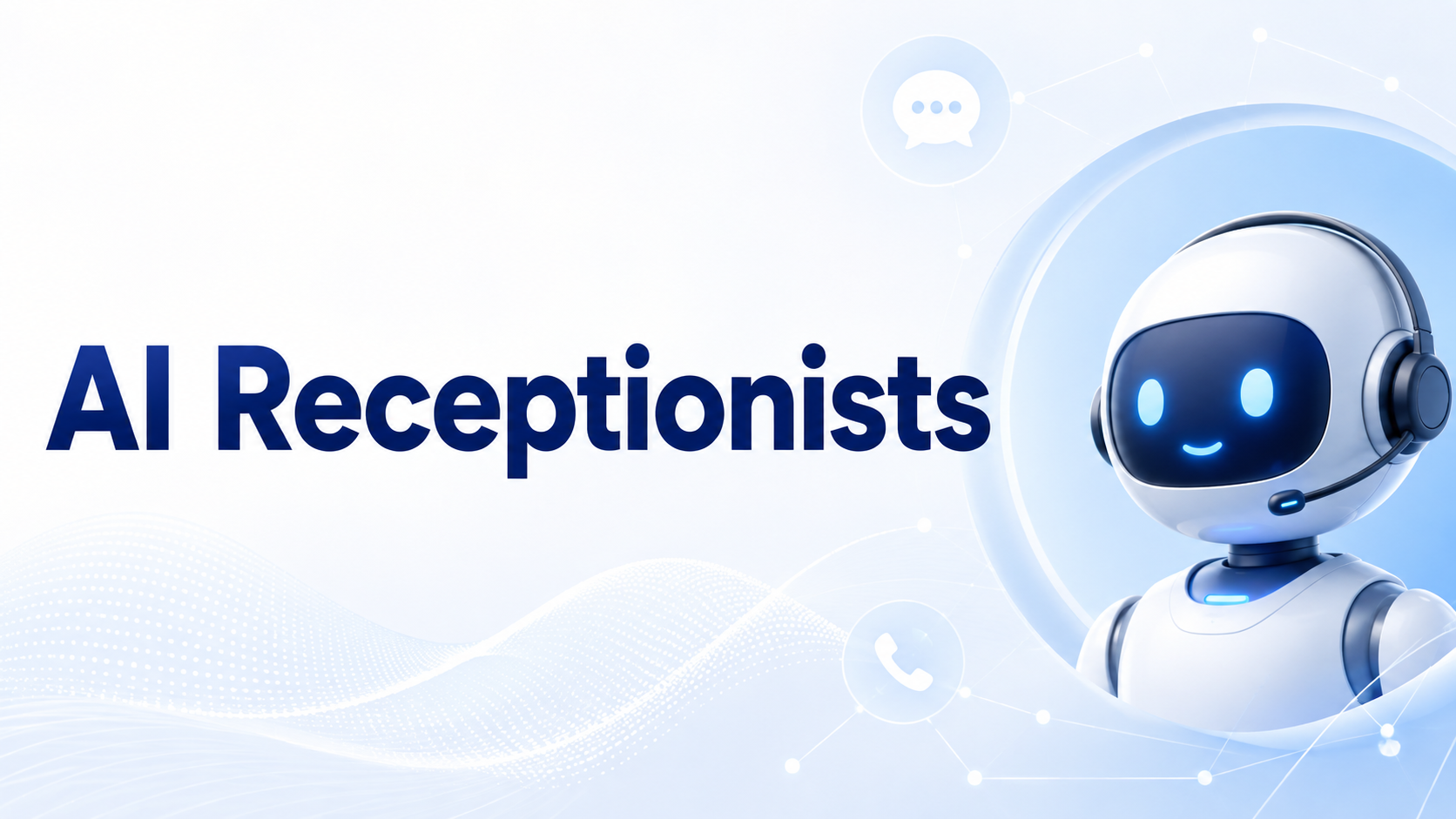
A missed phone call can mean a missed appointment, lost customer or unanswered sales opportunity. Small teams often cannot stop their work every time the phone rings, especially during meetings, customer visits, busy periods, or after business hours. AI Receptionists help solve this problem by answering calls understanding what the caller needs, providing basic information, capturing contact details booking appointments and transferring important conversations to the right person. The best platform depends on how your business operates. A solo contractor may need simple after-hours coverage, while a growing medical office may require scheduling, multilingual support, call routing, and detailed conversation records.
Businesses improving other administrative processes can also explore this guide to the best HR management apps for growing teams.
What Is an AI Receptionist?
An AI receptionist is a voice-based assistant that answers business calls and communicates with customers using natural conversation. Unlike a traditional phone menu that asks callers to press numbers an AI receptionist can interpret spoken requests such as:
“I need to reschedule tomorrow’s appointment.”
Depending on the platform and its integrations, the receptionist may check a calendar, suggest another time, update the booking and send a confirmation. Modern platforms can also answer frequently asked questions, qualify leads, collect messages, transfer calls, update customer records and provide transcripts or summaries.
Best AI Receptionists for Small Businesses
1. Smith.ai Best for AI With Human Backup
Smith.ai combines an AI-first receptionist with access to live human agents when additional support is needed. Its service can screen incoming calls, capture leads schedule appointments, collect payments and connect with business systems. Businesses can also customize and test how the AI should respond before allowing it to handle live calls. Smith.ai is a strong choice for professional-service businesses where some calls are routine but others may require a careful human response.
Suitable for:
- Law firms
- Consultants
- Financial-service providers
- Home-service companies
- Businesses needing human escalation
2. Goodcall Best for Fast Simple Deployment
Goodcall provides an AI-powered business phone number, although companies can also forward an existing number to the agent. The platform is designed to answer calls, capture leads provide business information and support customer workflows without requiring the company to build its own voice infrastructure. Goodcall can suit local businesses that need an accessible way to introduce automated phone coverage without rebuilding their complete communication system.
For short AI software demonstrations and business-tool ideas, follow AI App Space on TikTok.
3. RingCentral AI Receptionist Best for RingCentral Users
RingCentral AI Receptionist works particularly well for businesses already using RingCentral for calls and communication.
It can synchronize with existing phone numbers extensions, contacts, business hours and routing settings. It can also answer questions capture leads, schedule appointments, route callers, and transfer conversations to employees. This integrated approach reduces the need to manage a completely separate receptionist platform.
Suitable for:
- Businesses already using RingCentral
- Multi-location organizations
- Teams requiring advanced call routing
- Companies combining calls and messaging
4. My AI Front Desk Best for Appointment-Based Businesses
My AI Front Desk, also presented as Frontdesk, focuses on small businesses that depend heavily on phone leads and scheduled appointments. It can answer calls around the clock, qualify callers book appointments through connected calendars, transfer calls according to business rules, and send conversation information to supported CRM systems. This makes it useful for salons, clinics, repair businesses, real-estate professionals, and other appointment-driven companies.
Businesses exploring more practical app recommendations can also follow Apps Hunt on TikTok.
5. Dialzara Best for Solo Operators and Very Small Teams
Dialzara is positioned specifically for small and midsize businesses, including teams with only one to three people. Its AI receptionist can manage inbound calls understand caller intent, book appointments transfer urgent conversations, and apply different escalation rules according to the time or day. It can be a practical option for contractors, attorneys, agents, coaches, and other professionals who are often unable to answer while working with customers.
6. Nextiva XBert Best for Calls, Texts and Chat
Nextiva’s XBert handles more than phone calls. It can answer calls, text messages and website chats while using business information to respond to customer questions. It supports appointment booking, confirmation messages, lead capture, CRM connections, call summaries, analytics, and transfers to team members when human assistance is required. XBert is worth considering when a business wants one receptionist experience across several customer communication channels.
7. Zoom Virtual Agent Receptionist Best for Existing Phone Systems
Zoom Virtual Agent Receptionist can operate with Zoom Phone and following its 2026 standalone expansion, other compatible business phone environments. It provides conversational call handling, intelligent routing appointment scheduling, live transcription, and support for more than ten languages. This makes it useful for businesses that want AI call coverage without immediately replacing their existing telephone system.
What Can an AI Receptionist Handle?
A carefully configured receptionist can manage repetitive front-desk work such as:
- Answering questions about business hours and locations
- Explaining available services
- Capturing names, phone numbers and email addresses
- Qualifying potential customers
- Booking or rescheduling appointments
- Routing callers to departments or employees
- Taking messages after hours
- Sending confirmations and reminders
- Producing call transcripts and summaries
However, sensitive complaints, unusual requests, emergencies, and conversations requiring professional judgment should be transferred to a qualified employee.
How to Choose the Right AI Receptionist
Confirm Your Primary Use Case
Start by identifying the main reason calls are being missed.
Do you need after-hours coverage, appointment booking, lead qualification, customer support, or overflow assistance during busy periods? This answer will quickly reduce the number of suitable platforms.
Test Call Quality
Request a demonstration or trial and make several test calls. Use different speaking speeds, accents, interruptions, background noise, and unexpected questions. Check whether the receptionist understands the caller and knows when to transfer the conversation.
Review Integrations
An AI receptionist becomes more useful when it can work with your:
- Calendar
- CRM
- Help-desk platform
- Business phone system
- Customer database
- Messaging software
Without integrations, the receptionist may collect information but leave employees to enter it manually.
Check Internet and Phone Reliability
Cloud-based receptionists depend on reliable telephony and internet connections. Before deployment, test call forwarding, transfer quality and network stability.
Android users reviewing office or storefront connectivity can examine the WiFi Analyzer app for network checking.
Understand Pricing
Providers may charge by call, minute, interaction phone number, or monthly allowance. Estimate your normal and peak call volumes before comparing plans. Also check charges for transfers, text messages, additional languages, premium voices, integrations, and human agent support.
Review Privacy and Escalation Rules
Understand how recordings, transcripts, customer details, and account information are stored. Configure clear rules for transferring sensitive, urgent, or unsupported requests to a person.
- Tips for Setting Up an AI Receptionist
- Begin with a limited group of routine calls.
- Add accurate business hours, services, pricing rules, and FAQs.
- Define which questions the agent may answer.
- Create clear transfer and emergency rules.
- Test appointment availability and confirmations.
- Review transcripts during the first few weeks.
- Correct weak or misleading responses immediately.
- Tell customers when a virtual assistant is handling the call where appropriate.
A gradual rollout makes it easier to identify problems before the receptionist becomes the main point of contact for every caller.
Conclusion
The best AI Receptionists help small businesses answer more calls without forcing owners and employees to interrupt their work throughout the day.
Smith.ai is useful when human backup matters, while Goodcall and Dialzara offer accessible options for smaller teams. RingCentral fits businesses already using its communication ecosystem, My AI Front Desk supports appointment driven workflows Nextiva XBert covers several communication channels, and Zoom offers flexibility across phone environments.
Choose a platform based on your actual call patterns rather than the longest feature list. Test the voice, integrations, transfers and responses before launch. Begin with routine conversations, monitor performance closely and always provide a clear path to human assistance.