
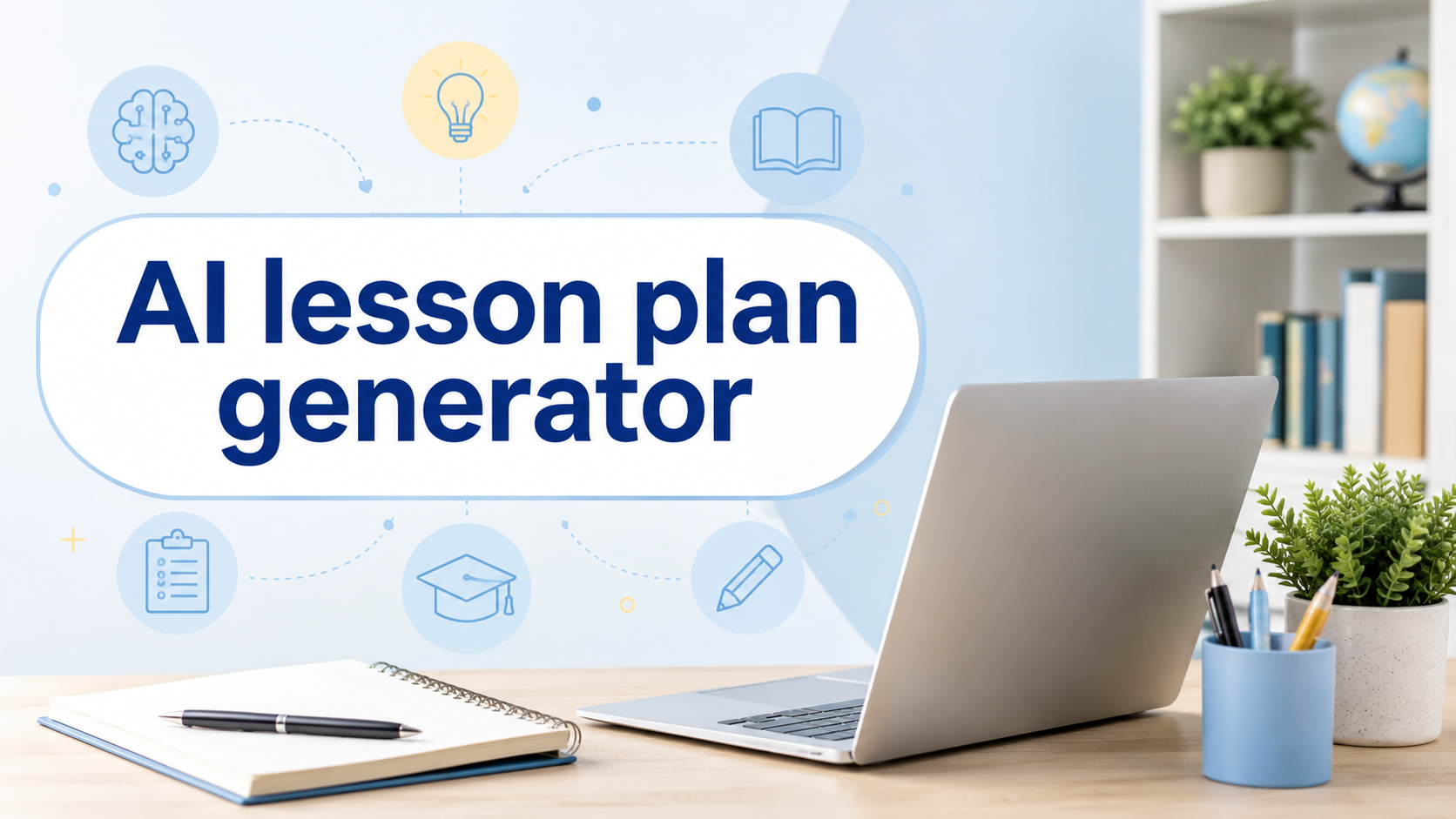
Lesson planning requires clear objectives, useful activities, differentiation, assessments, and flexibility for real classroom needs. An AI lesson plan generator can reduce repetitive work by turning a topic, curriculum standard, grade level, and lesson duration into a structured first draft.
These tools should support professional judgment rather than replace it. Teachers must verify facts, adapt activities, follow school policies, and review every output before classroom use. For visual classroom technology ideas and practical AI-tool recommendations, follow AI App Space on Pinterest.
What Is an AI Lesson Plan Generator?
An AI lesson plan generator creates lesson outlines from instructions provided by a teacher. Users can enter the subject, grade, learning objective, curriculum standard available time, student needs and preferred teaching style.
The software may then suggest:
- A lesson hook
- Direct instruction
- Guided practice
- Group activities
- Independent tasks
- Discussion questions
- Assessment methods
- Exit-ticket questions
The strongest tools also provide standards alignment, differentiated resources, rubrics, worksheets and multi day units. Their usefulness depends on the quality of the teacher’s instructions and the amount of professional review applied afterward.
1. MagicSchool Best Overall
MagicSchool offers a dedicated generator that creates plans around a topic or learning objective. Teachers can customize results by grade, subject, curriculum requirements and classroom goals. Its wider toolkit also supports rubrics, quizzes, worksheets, presentations, and teacher communication.
It suits educators who want several planning tools in one platform. New teachers may appreciate its clear structure, while experienced teachers can use it to produce faster first drafts and explore alternative classroom activities.
2. Eduaide.AI Best for Instructional Materials
Eduaide.AI supports K–12 lesson planning, worksheets, graphic organizers, classroom games, assessments and other instructional resources. Its workspace helps teachers create and revise materials around curriculum standards and differentiation requirements.
It is useful when a teacher needs more than a simple lesson outline because objectives, activities, and assessment ideas can be developed within one workflow. Teachers should review the difficulty, wording, factual accuracy and cultural relevance of every generated resource.
3. Brisk Teaching Best for Fast Planning
Brisk Teaching provides AI tools for lesson plans, multi-day units, and substitute plans. It can quickly produce learning objectives, instructional activities, and assessment ideas, helping teachers move from an initial topic to an editable draft.
Brisk is particularly convenient for browser-based teaching workflows. Educators who also need help organizing classes, preparation periods, meetings, and personal commitments can explore these best calendar apps for work, study, and personal tasks.
4. Curipod Best for Interactive Lessons
Curipod focuses on teacher-led lessons where students can read, write, discuss topics, answer polls, and respond to prompts together. It is a strong option for teachers who want student participation built into the lesson instead of receiving only a written outline.
The platform can support discussion-based subjects, language learning, revision sessions, and frequent checks for understanding. Teachers remain in control of the presentation and can edit activities before students see them.
5. Diffit Best for Differentiated Instruction
Diffit creates and adapts classroom-ready materials for students with different reading levels and learning needs. Teachers can begin with a topic, existing text, webpage, PDF, image, or video.
It is especially valuable when differentiation is the main planning challenge. Teachers can create leveled texts, vocabulary support, comprehension questions, scaffolded activities and translated resources while keeping the original learning objective accessible to more students.
6. Khanmigo Best for Khan Academy Resources
Khanmigo includes teacher-focused tools for lesson plans, learning objectives, lesson hooks, rubrics, exit tickets, and assessments. It is particularly useful for educators already using Khan Academy because planning can be connected with relevant videos and practice activities. Its educator resources also cover prompt writing, responsible AI use, classroom differentiation, and methods for improving generated results.
7. LessonPlans.ai Best for Simple Drafts
LessonPlans.ai is a focused tool built specifically around lesson-plan generation. Teachers enter their lesson details and receive a structured draft without navigating a large collection of unrelated business features.
The platform also provides example lesson plans across different grades and subjects. These examples show teachers the expected format before they generate their own lesson, making the tool suitable for users who prefer a straightforward planning experience.
How to Choose the Right AI Lesson Plan Generator
Choose a generator based on your grade level, subject, curriculum standards, lesson duration, language, differentiation needs, export options, and school privacy requirements.
A free plan may be enough for occasional use, while frequent lesson planning may require higher limits or school collaboration features.
Before choosing a platform, generate the same lesson with two or three tools. Compare:
- Accuracy of the learning objectives
- Quality of the suggested activities
- Alignment between activities and assessments
- Editing and customization controls
- Differentiated instruction options
- Export and classroom-sharing features
- Privacy and student-data policies
The best tool is the one that creates a useful starting point with the least correction.
Use AI Lesson Plans Responsibly
Never use an AI-generated lesson plan without reviewing it. Verify factual information and curriculum standards, check reading levels and confirm that activities are suitable for your available time, resources, and students.
Do not enter sensitive student information unless your school has approved the platform and reviewed its data practices.
Add local examples, your teaching style, accessibility adjustments, and knowledge of individual learners. AI can organize ideas, but teachers understand classroom relationships, motivation, learning difficulties and student wellbeing. For short AI-tool demonstrations and educational technology ideas, visit AI App Space on TikTok.
Final Thoughts
The best AI lesson plan generator can reduce blank-page stress and help teachers explore new classroom activities. MagicSchool is a strong all-round option, Eduaide.AI supports detailed instructional materials, Curipod adds interaction, Diffit strengthens differentiation, and Khanmigo connects planning with Khan Academy content.
Use AI to create an initial draft, and then improve it with professional judgment. Every final lesson should reflect your students, learning goals, classroom conditions, available resources, and teaching experience. For an optional digital classroom reward or short brain break, teachers can also exploreDot Chaser on Amazon , a classic arcade-style game designed for compatible Fire devices.